

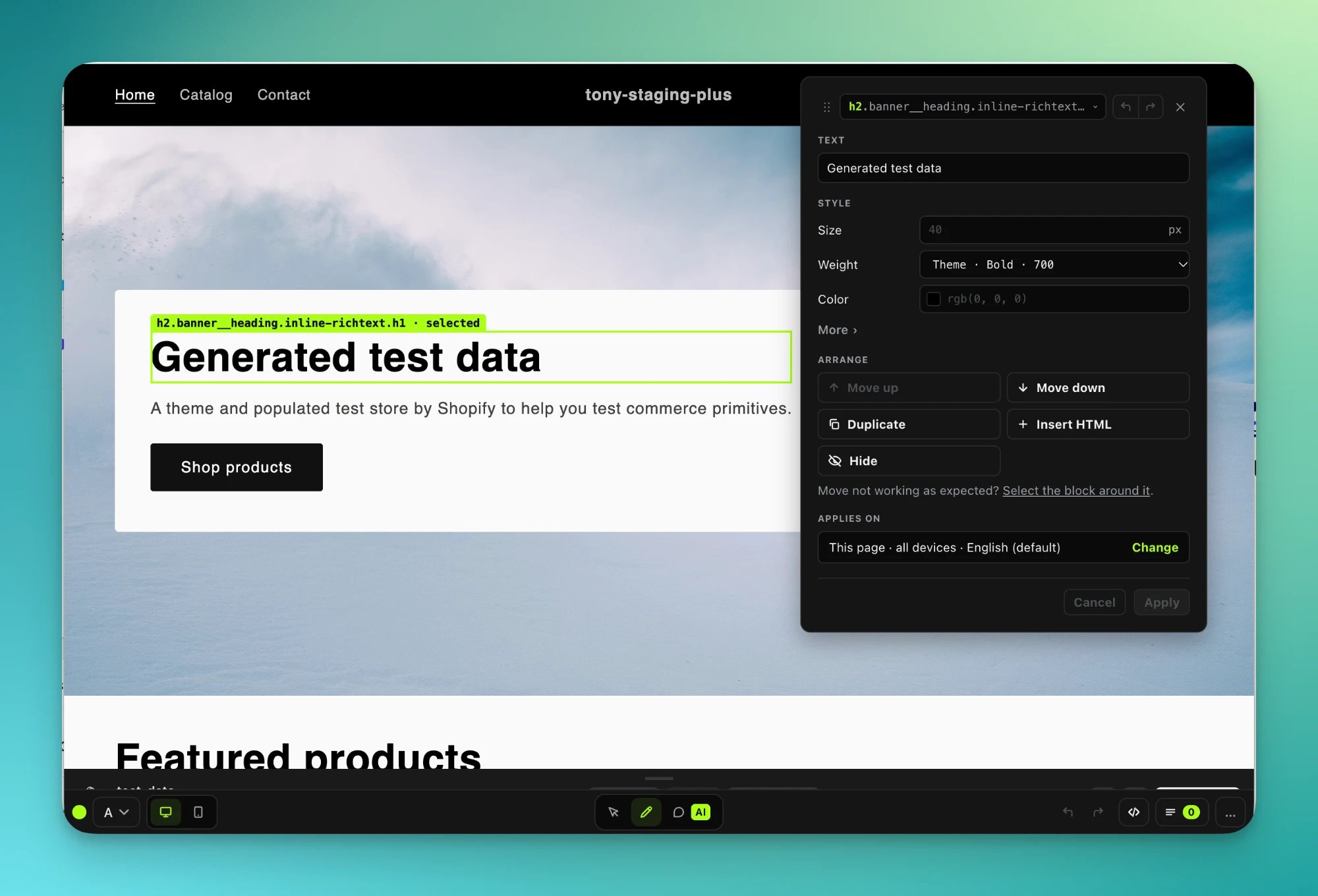
The editor on a store page.
How it works
The editor runs on your real store page, so theme scripts, menus and fonts behave as they do for a shopper. Every change is saved to the draft. Shoppers see nothing until you launch the test. There are two ways to make a change:- Edit with your AI: describe the change to Claude, ChatGPT, Codex, Claude Code or Cursor, and watch it land on the page.
- Edit by hand: click an element on the page and change it.
Edit with your AI
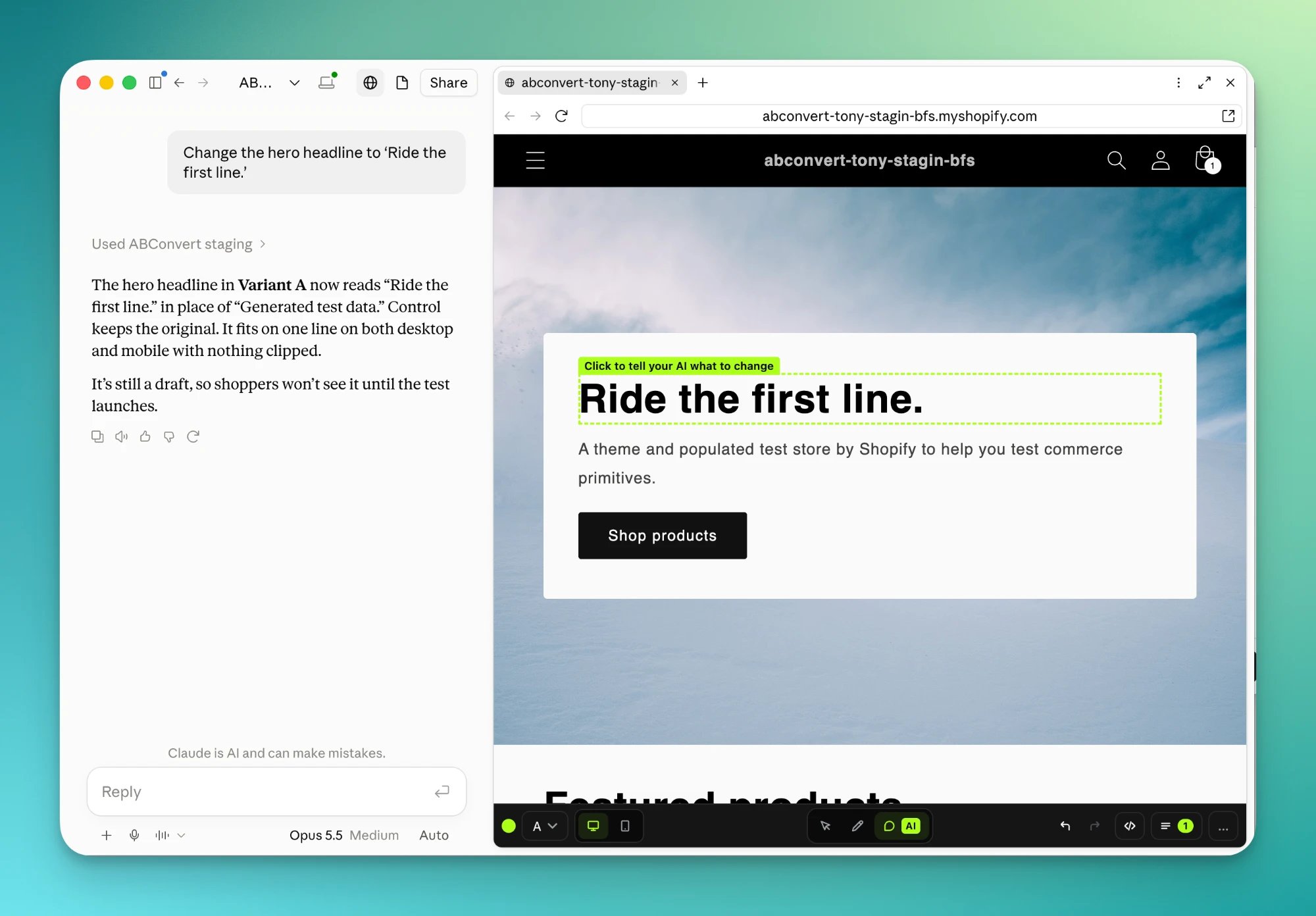
Ask in the chat, see it on your store.
Step by step
1
Connect your AI
Your AI needs the ABConvert MCP connection, once per store. Follow the MCP quickstart for your client, or start from the Edit with your AI panel in the test wizard.We recommend letting your AI open the store in its own browser, beside the chat, so you see each change as it lands. Your AI can also send you a link that opens the editor in your own browser.
Turn on the browser in your AI
Turn on the browser in your AI
2
Hand the prompt to your AI
The test wizard’s Edit with your AI panel opens the prompt in your AI, or copies it for any other client. Your AI then opens the store page for this test in its browser, beside the chat.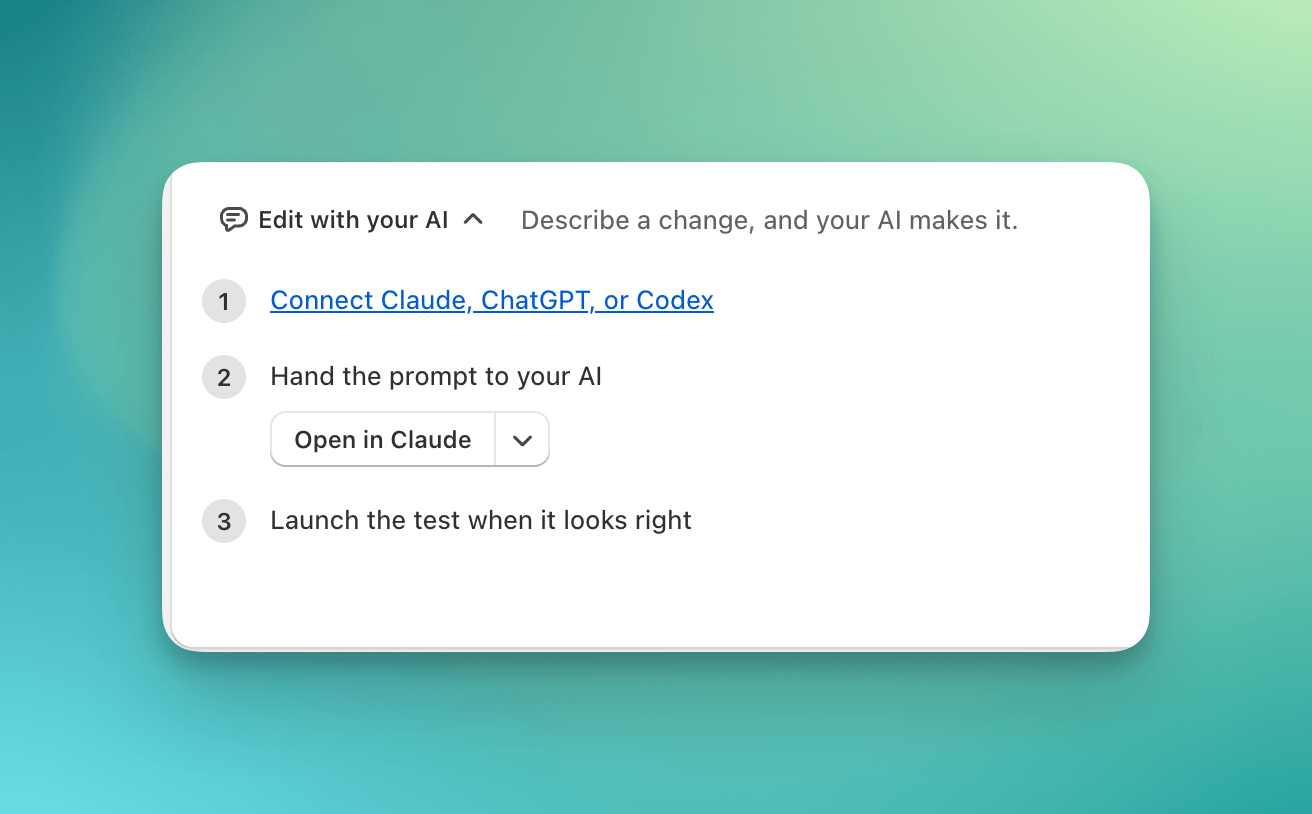
3
Describe the change
Say what you want in plain words. Each change lands on the page as it is made, and your AI tells you what shoppers will see.
“On the home page, change the hero headline to ‘Ride the first line.’ and the call to action to ‘Shop snowboards’.”
“On the product page, move the customer reviews above the size chart.”
“In the cart drawer, add an upsell block that offers snowboard wax with an Add button.”
“In the cart drawer, add a free shipping progress bar. Free shipping starts at $200.”
4
Comment where you want something different
In Comment mode, click the element and write what you want. Add as many comments as you like.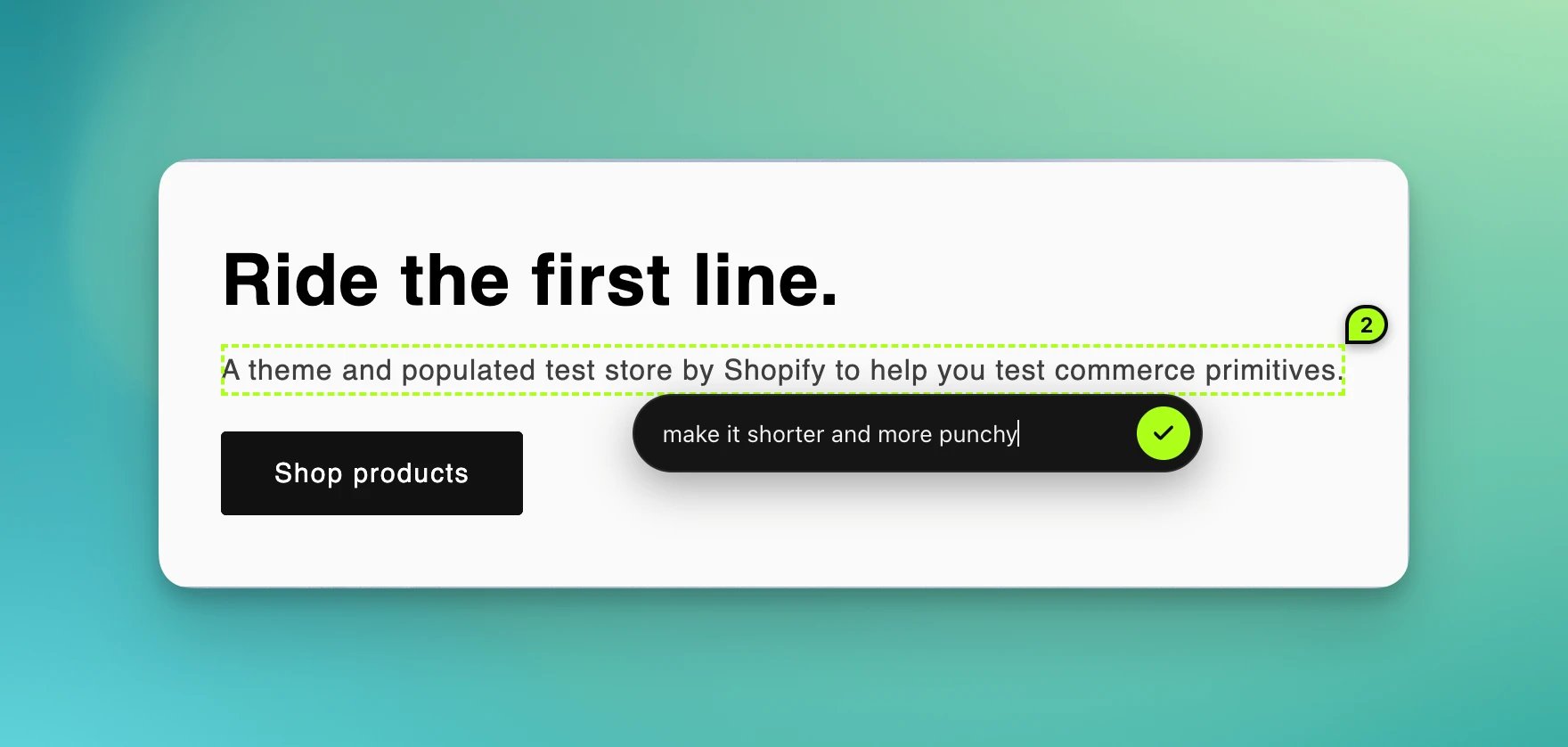
5
Send the comments
Send them together, with a note for the whole set if you like: “Make it creative, and eye catching”.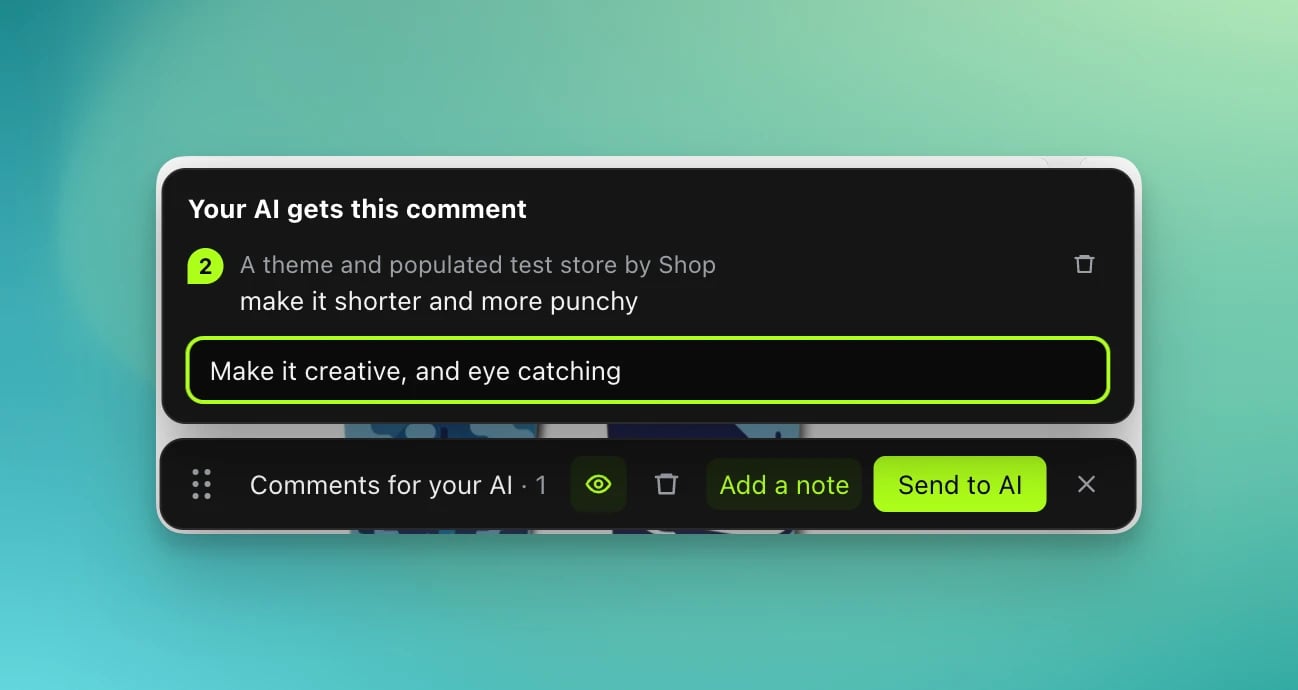
6
Hand them to your AI
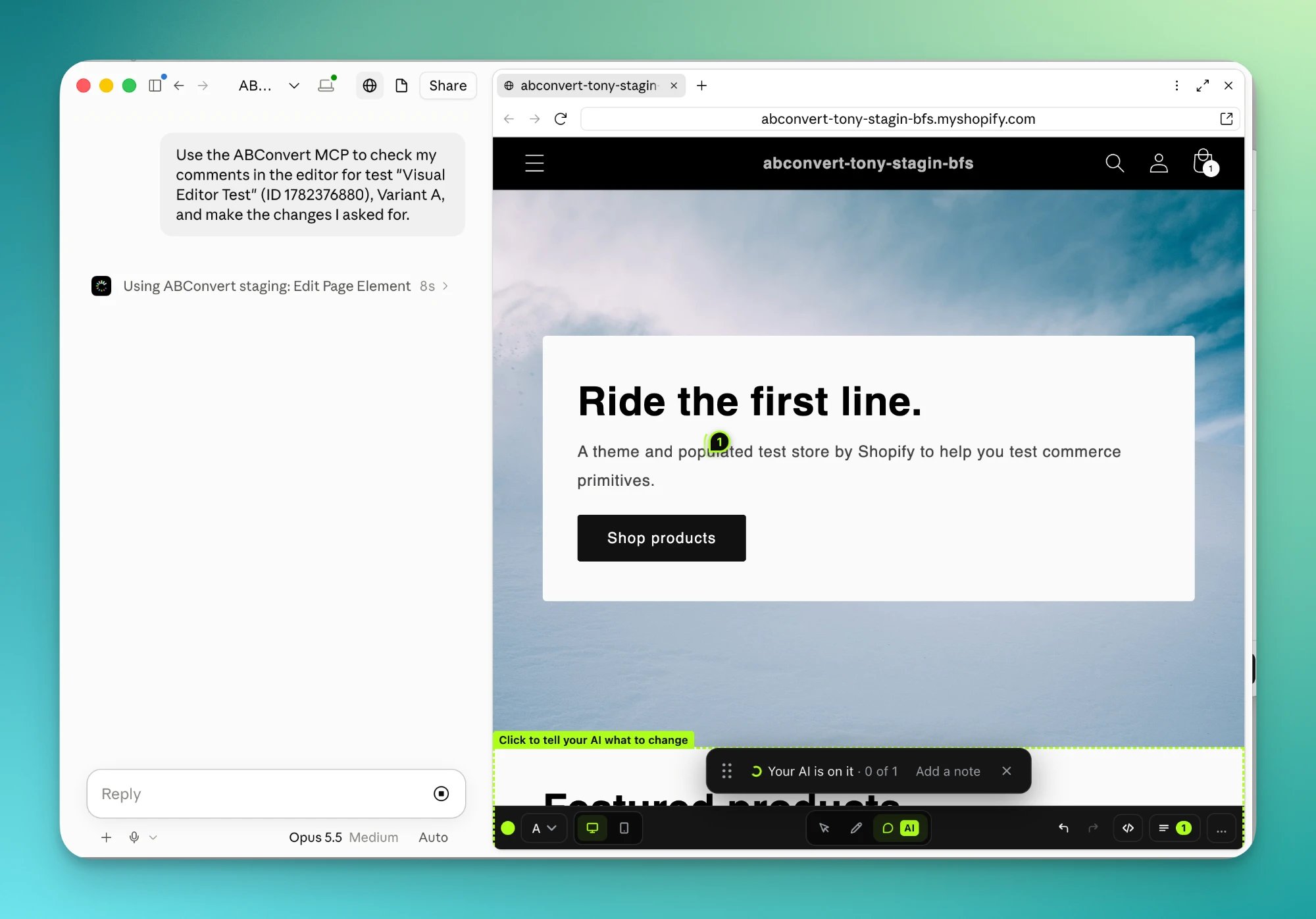
Sending does not start your AI by itself. Copy the prompt the editor offers and paste it into your AI to pick up your comments.
7
Check the result
Your AI applies each comment as written and asks only when one is ambiguous. When it is done, each comment is marked Done, or Not done with the reason.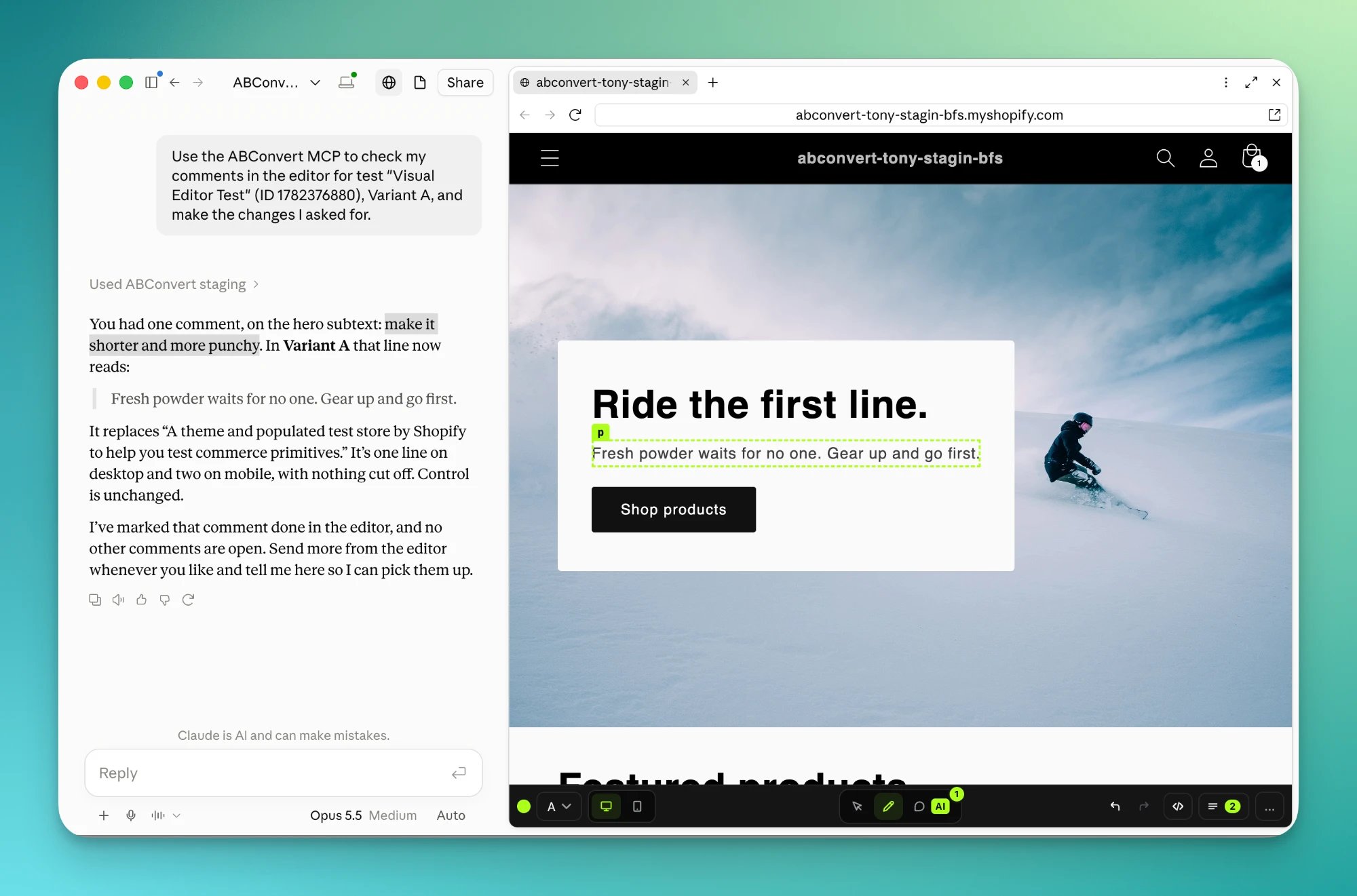
8
Preview and launch
Preview the test on your storefront. When it looks right, launch it from the test page, or tell your AI to launch it. Launching always needs your yes.
Bring your design and analytics tools
Your AI can hold other connections next to ABConvert. It reads a design or a heatmap from one tool and makes the change on your store page through ABConvert.
- Figma, to build a variant from a design.
- Microsoft Clarity or PostHog, to read scroll depth and clicks before deciding what to move.
Edit by hand
Open the editor
Edit in store on a test group opens your store in a new browser tab, with the editor on top of it.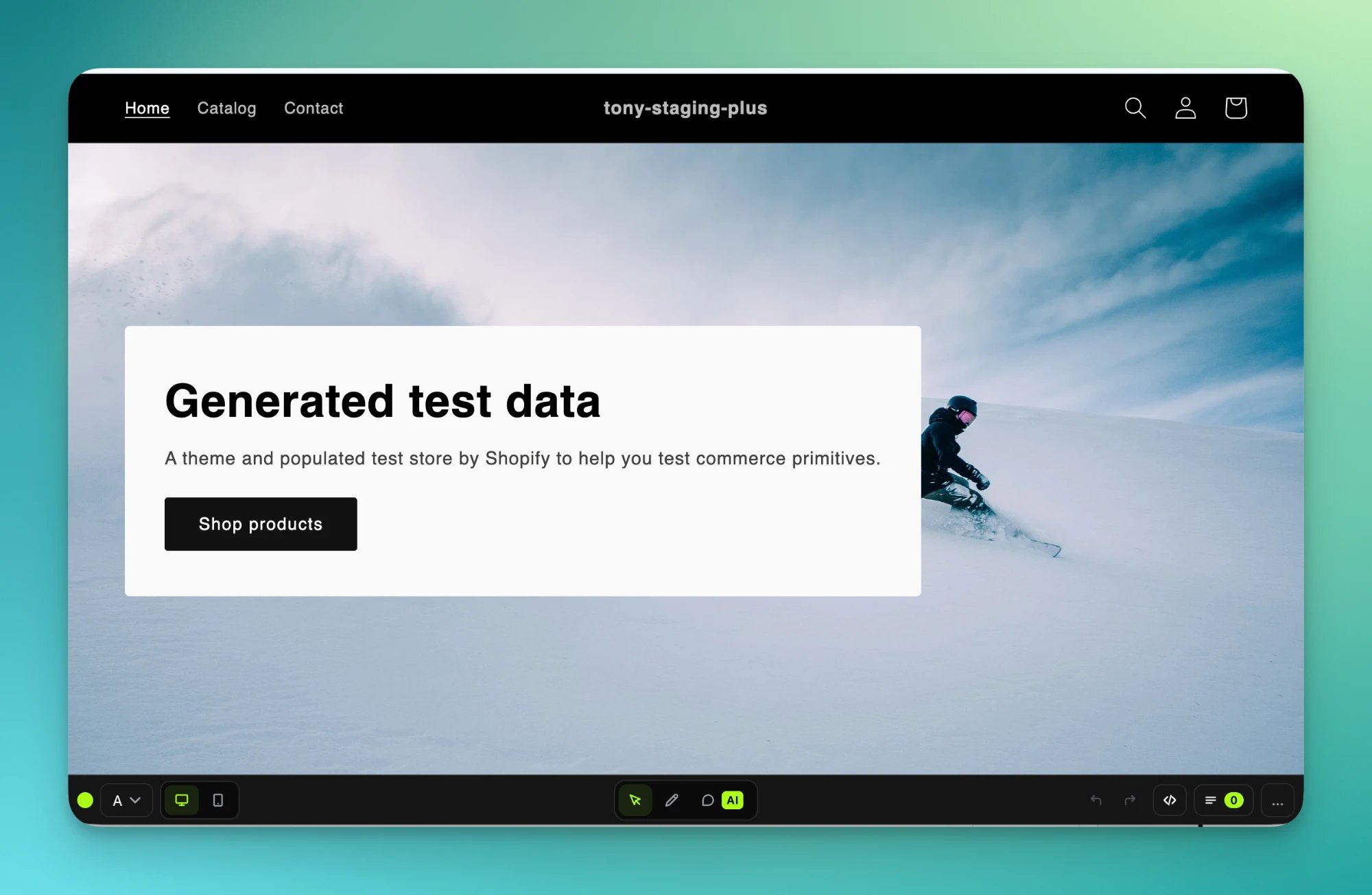
Change an element
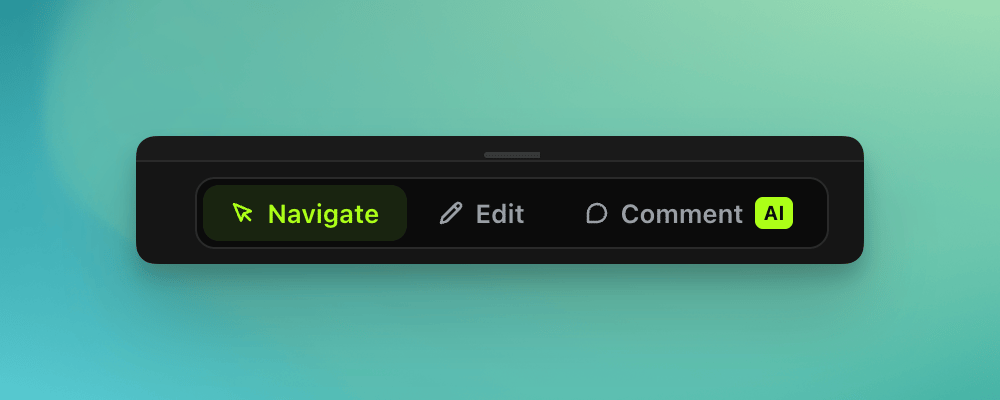
Click an element in Edit mode to open its card. What you can change depends on the element: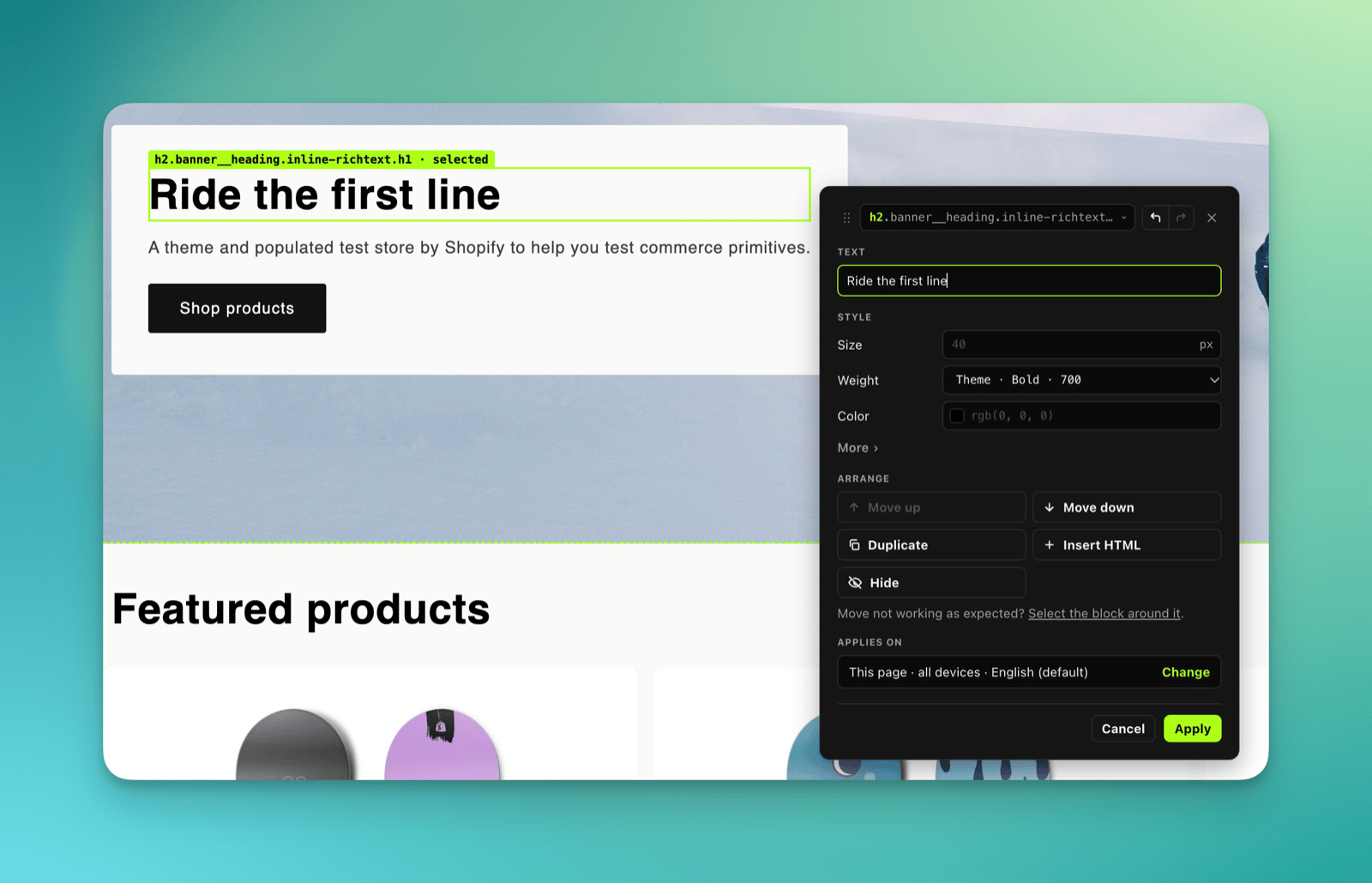
Changing a heading's text.
Change the layout
Select the right element first. Clicked the picture but want to move the whole product card? Pick the card from the list at the top.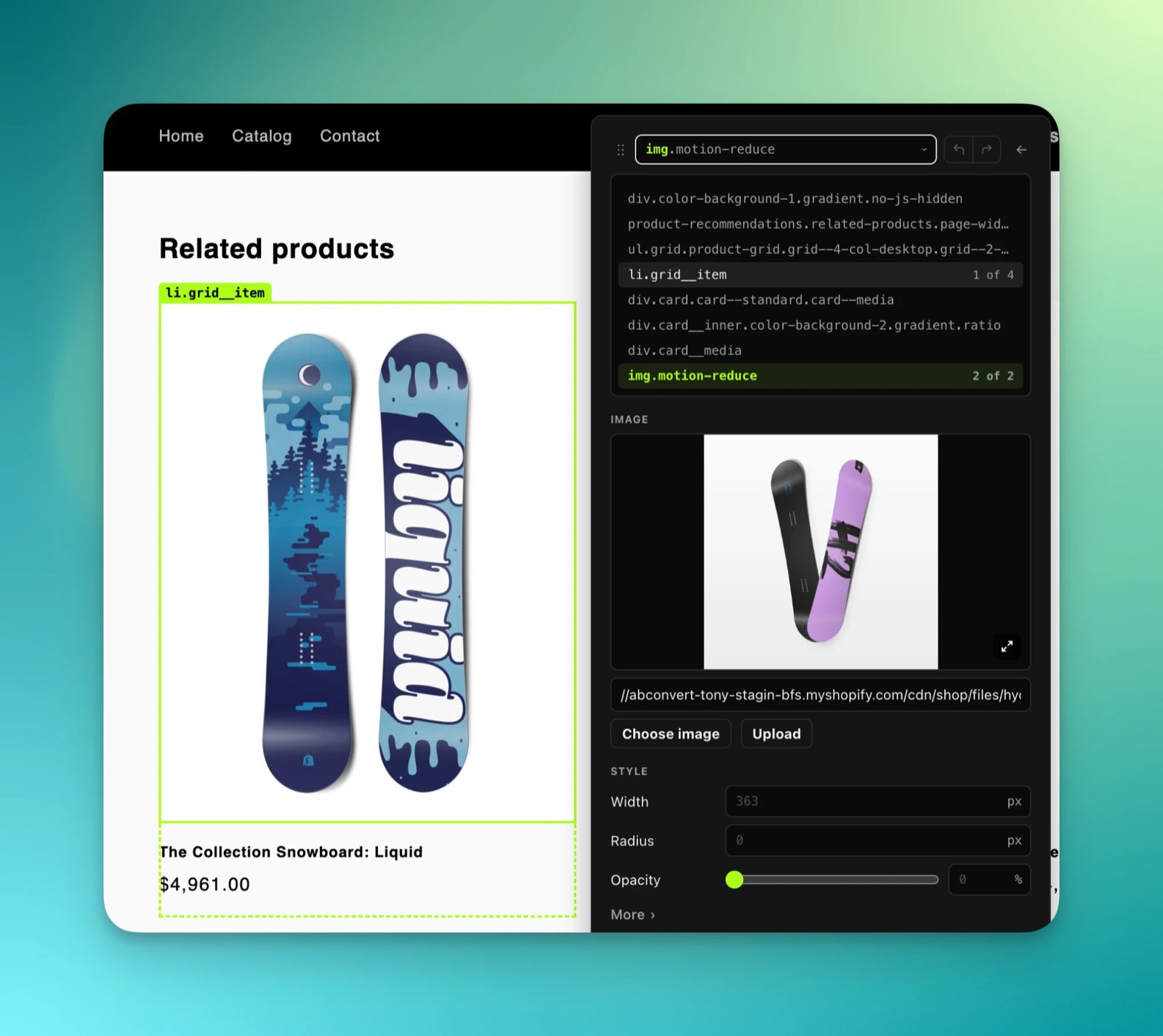
Picking the product card around the picture.
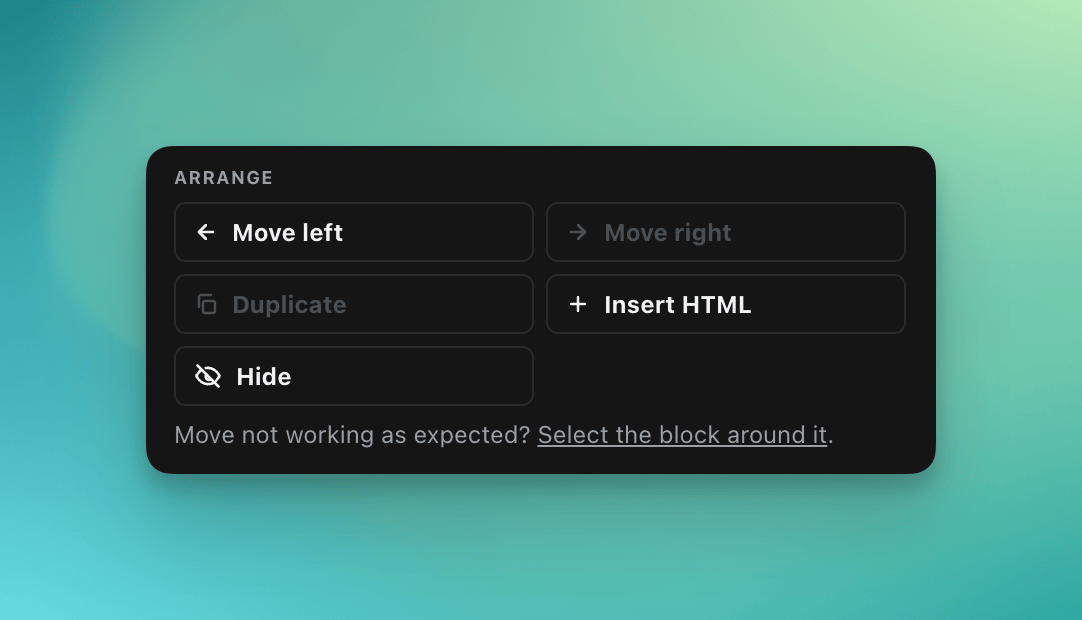
- Move shifts the element among its neighbours.
- Duplicate adds a copy next to the element, so you can change its words and image. Use it for a new product card, gallery slide or menu link.
- Insert HTML adds new markup before or after the element.
- Hide removes the element from the page for this test group. Nothing is deleted in Shopify.
Where a change applies
Every change has a scope.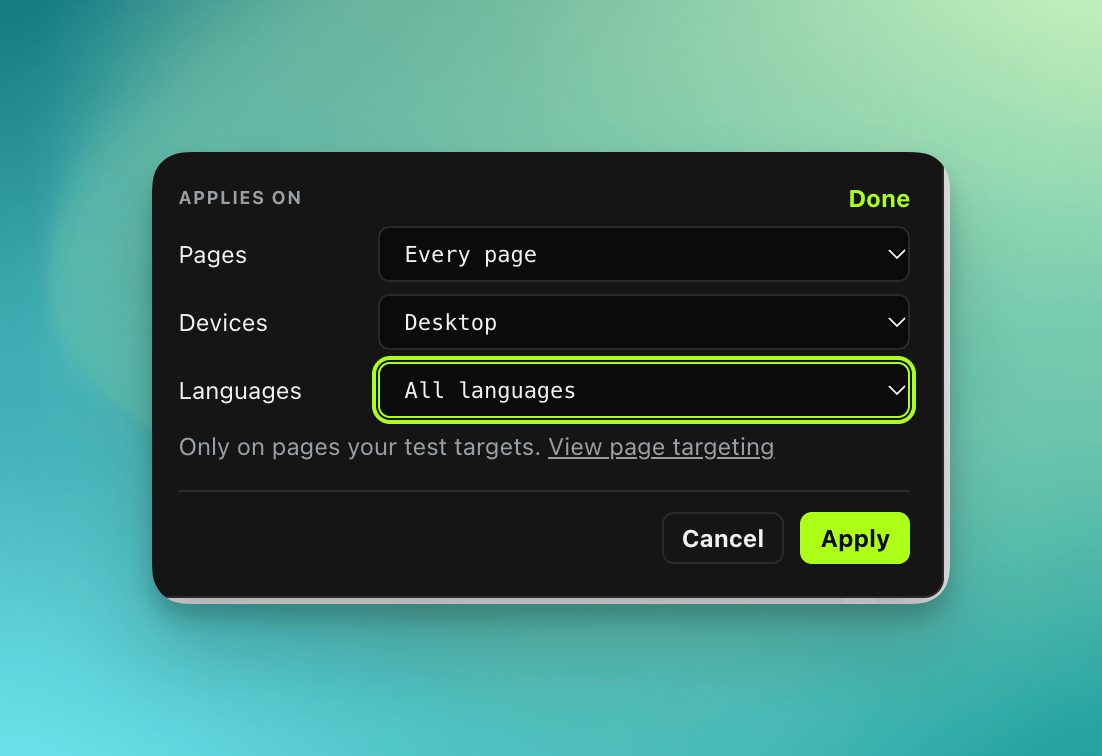
- Pages. This page, every page the test runs on, or specific pages. An announcement bar change belongs on every page. A product description change belongs on that product’s page.
- Devices. All devices, desktop only or mobile only.
- Languages. All languages, or only the store languages you pick.
Undo, revert and versions
- Undo takes back the latest edit in the test group, whoever made it, you or your AI. Redo puts it back.
- Revert on a change in the Changes list drops that one change, whenever it was made.
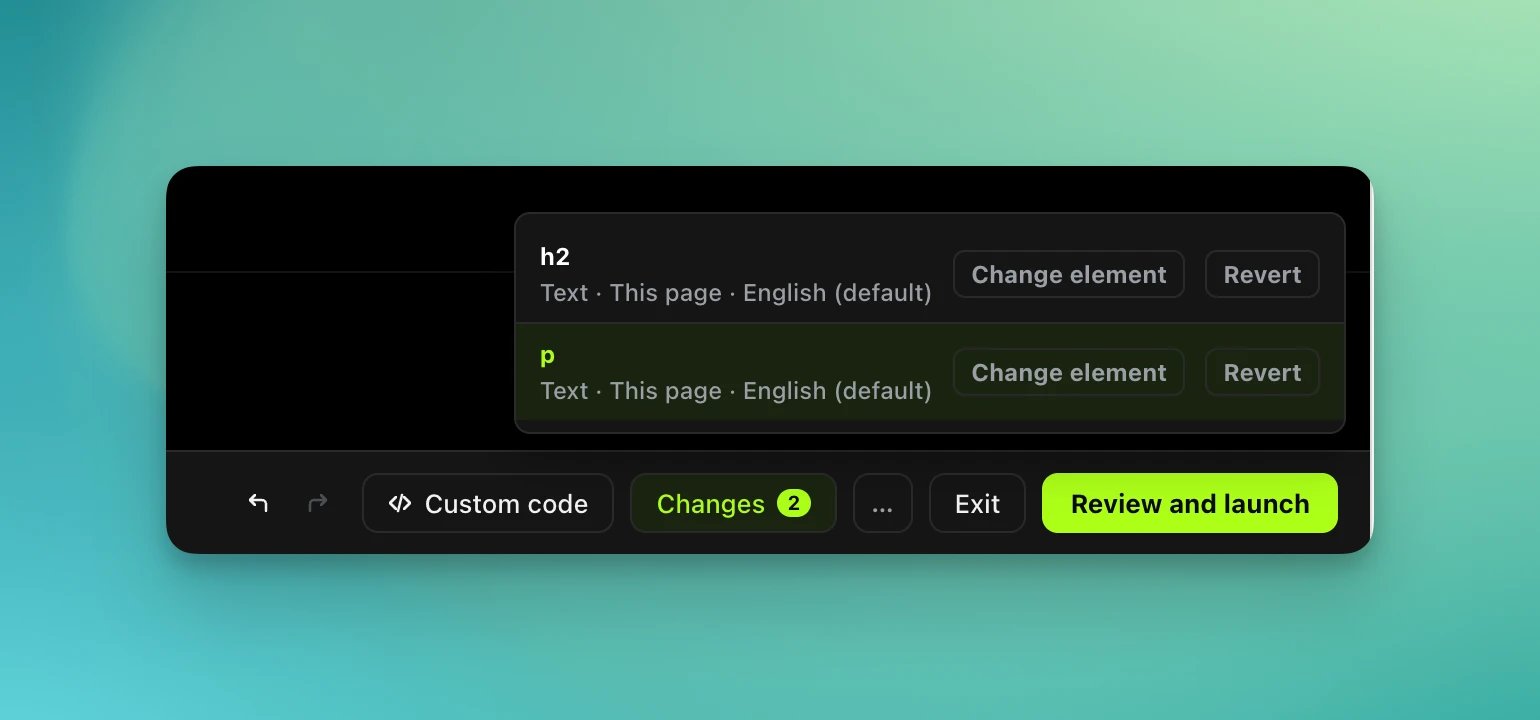
The Changes panel.
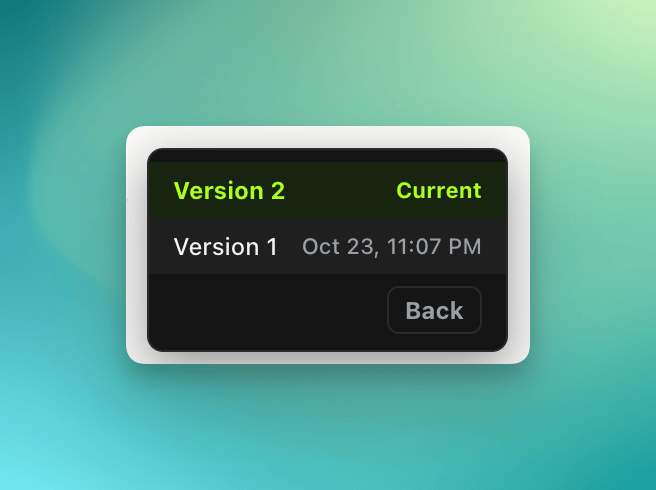
Saved versions.
What can and cannot be edited
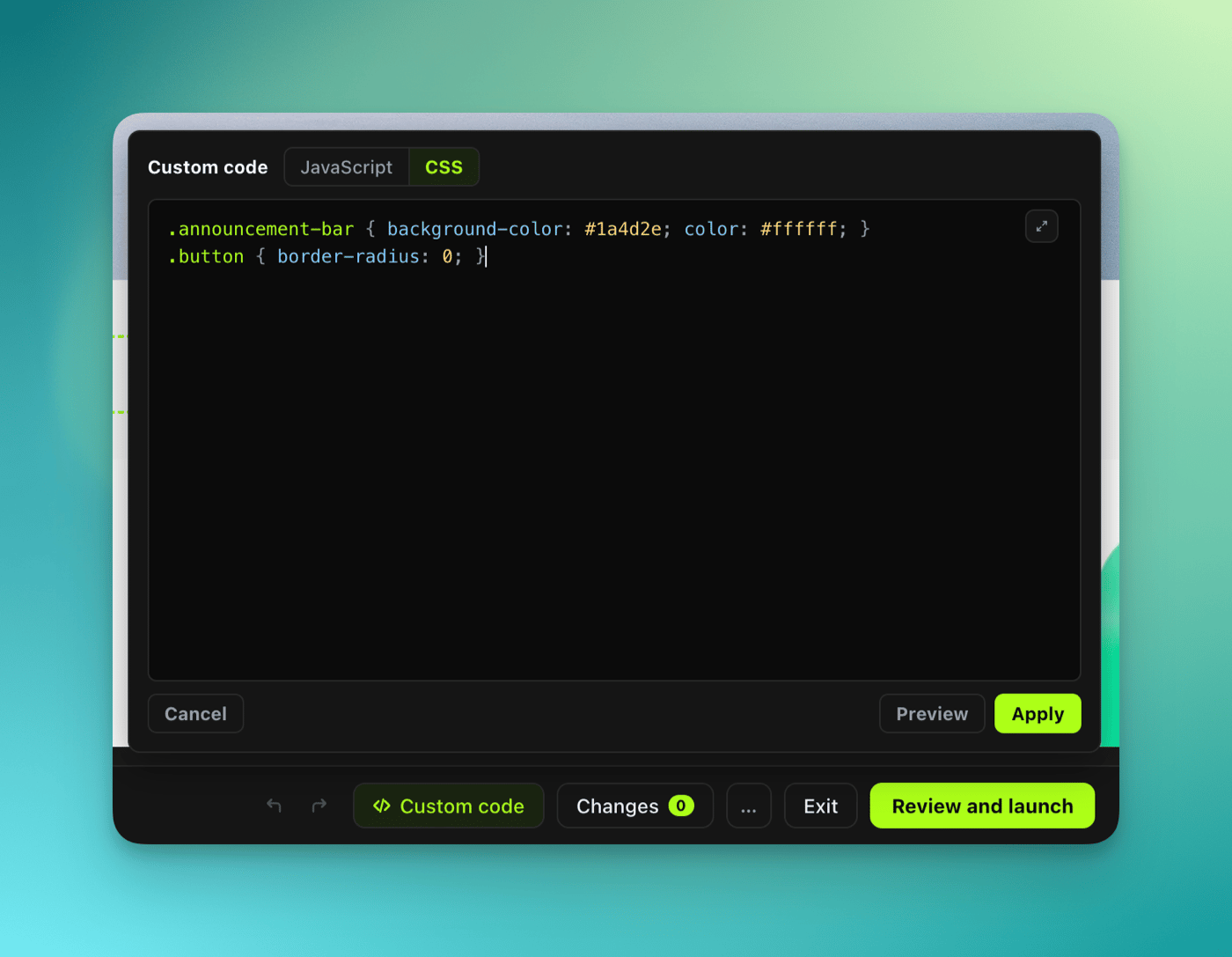
Two things cannot be edited. Use custom code for them:- Content inside a third-party widget (an iframe or a shadow DOM), such as a reviews app or a chat bubble.
- Text that changes on its own: a countdown, a ticker, a live price.
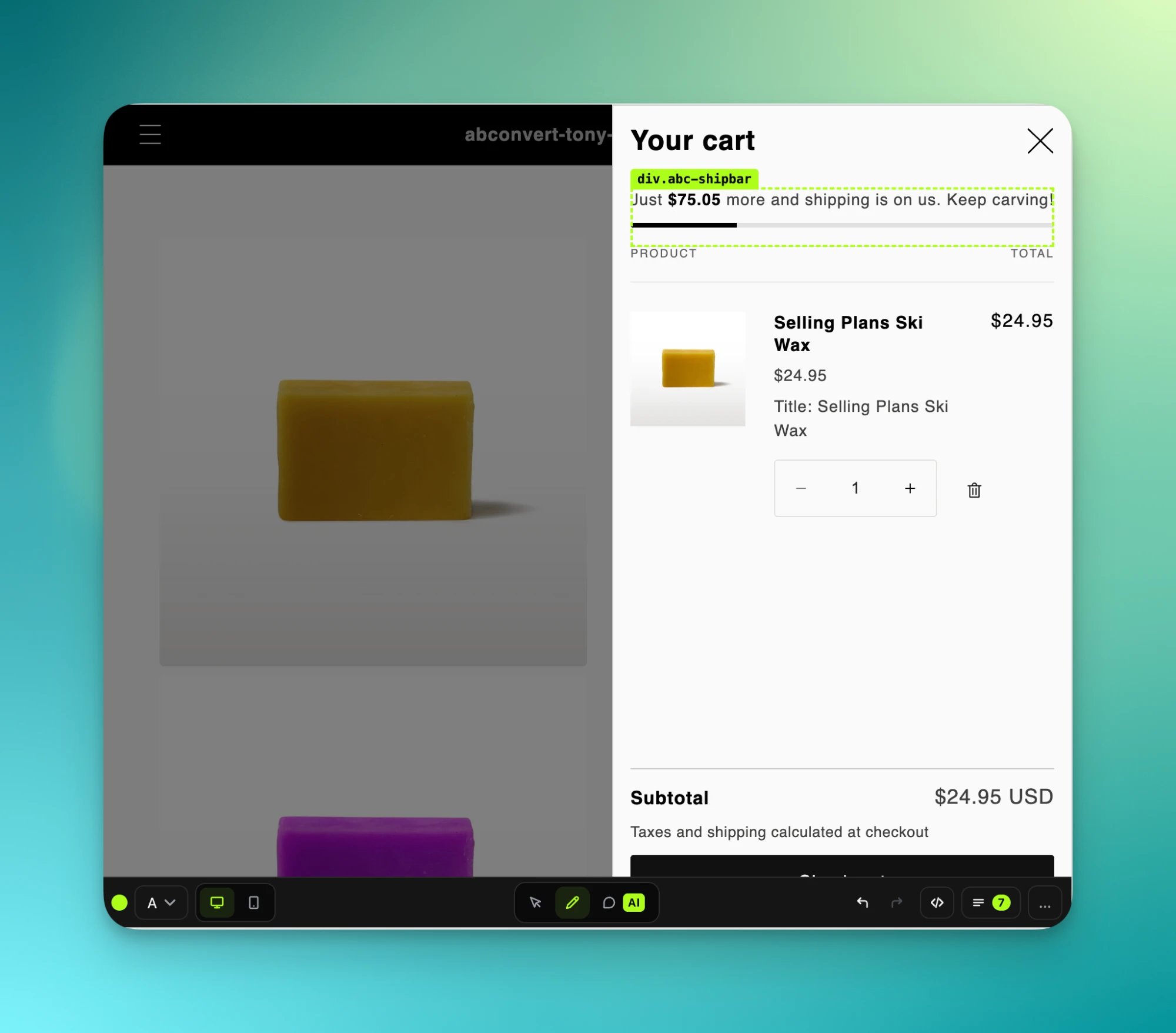
A free shipping bar added to the cart drawer.
Common mistakes
- Checking only the desktop view. Themes often render a separate phone copy of a menu or a section, and a change to the desktop copy does not reach it. Check the phone view before you launch, and change the phone copy too.
- Moving the wrong element. A move acts on the selected element. Clicked the picture but want the product card to move? Pick the card from the list at the top first.
- Restoring without saving first. Restoring replaces the current state and cannot be undone. Saved versions stay in the list, so save the current state as a version first and you can come back to it.
- Expecting your AI to pick up comments by itself. Sending comments does not start your AI unless it is already watching the page. Paste the prompt the editor offers into your AI.
FAQ
Can my AI and I edit at the same time?
Can my AI and I edit at the same time?
Yes. Your AI’s changes are marked Agent in the Changes list. Change them, undo them, or add your own.
What is 'Edit in app'?
What is 'Edit in app'?
The in-app editor, which shows your store inside the ABConvert admin instead of a new tab. Both editors write the same changes to the test, so you can switch between them.
Why did my change not land?
Why did my change not land?
The element may be inside a widget (an iframe or a shadow DOM), which cannot be edited, or in a section that loads late, where the change is applied as soon as the section appears. The editor reports which changes found no element.
Which AI tools work with the editor?
Which AI tools work with the editor?
Any MCP client. Claude (desktop and web), ChatGPT, Codex, Claude Code and Cursor have one-click setup from the wizard’s “Edit with your AI” panel. See the MCP quickstart.