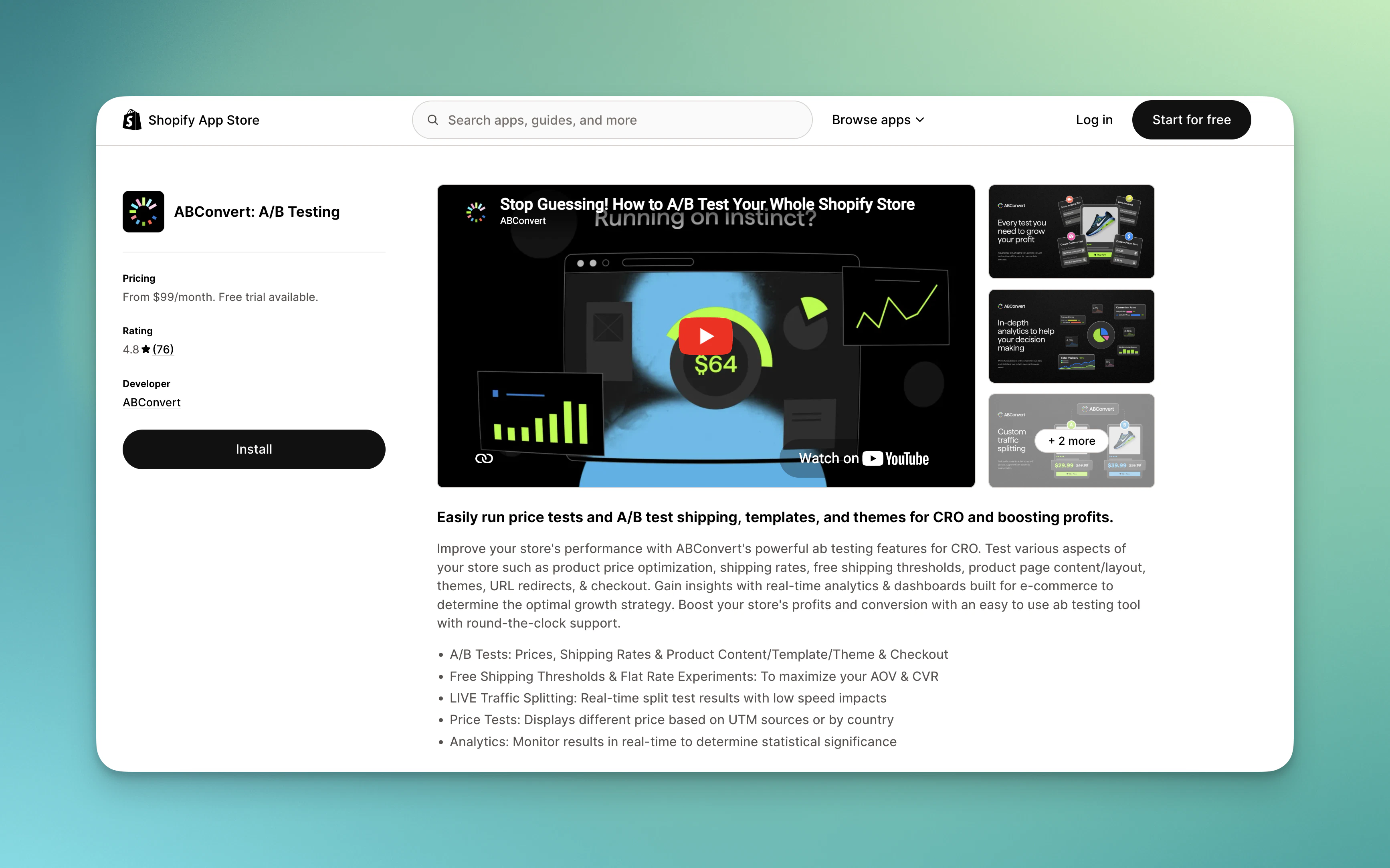
Shopify will show you an authorization screen listing the permissions ABConvert needs: access to products, orders, and theme files. Approve to continue, and you’ll be redirected directly into the ABConvert dashboard inside your Shopify admin.
ABConvert requires these permissions to deploy tests and track results. See Terms of service for complete details on what the app accesses and why.
2
Complete the onboarding survey
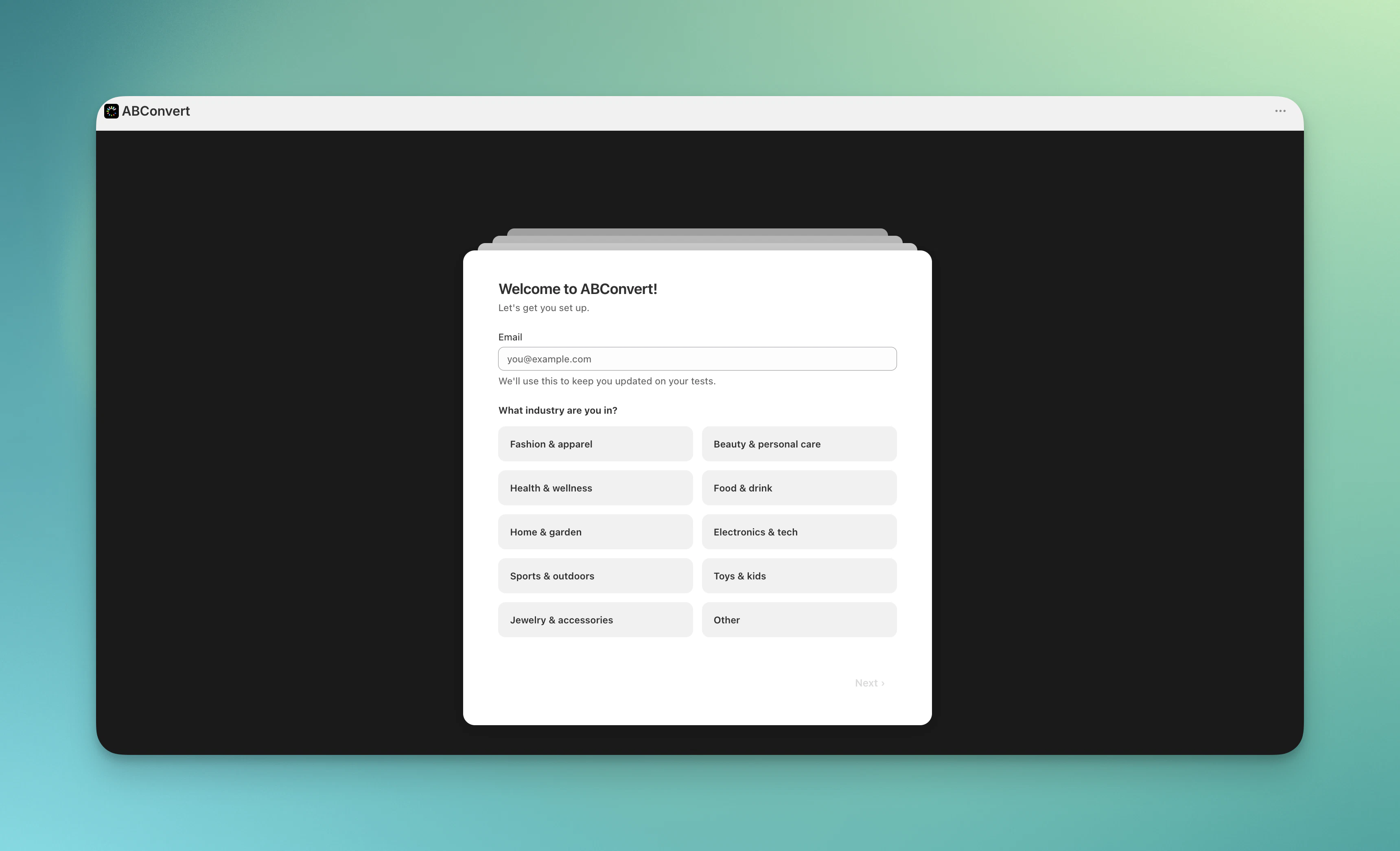
After installation, ABConvert opens an onboarding survey. Answer a few questions about your store and testing goals—this helps ABConvert recommend the right test type for your situation.
Complete onboarding survey
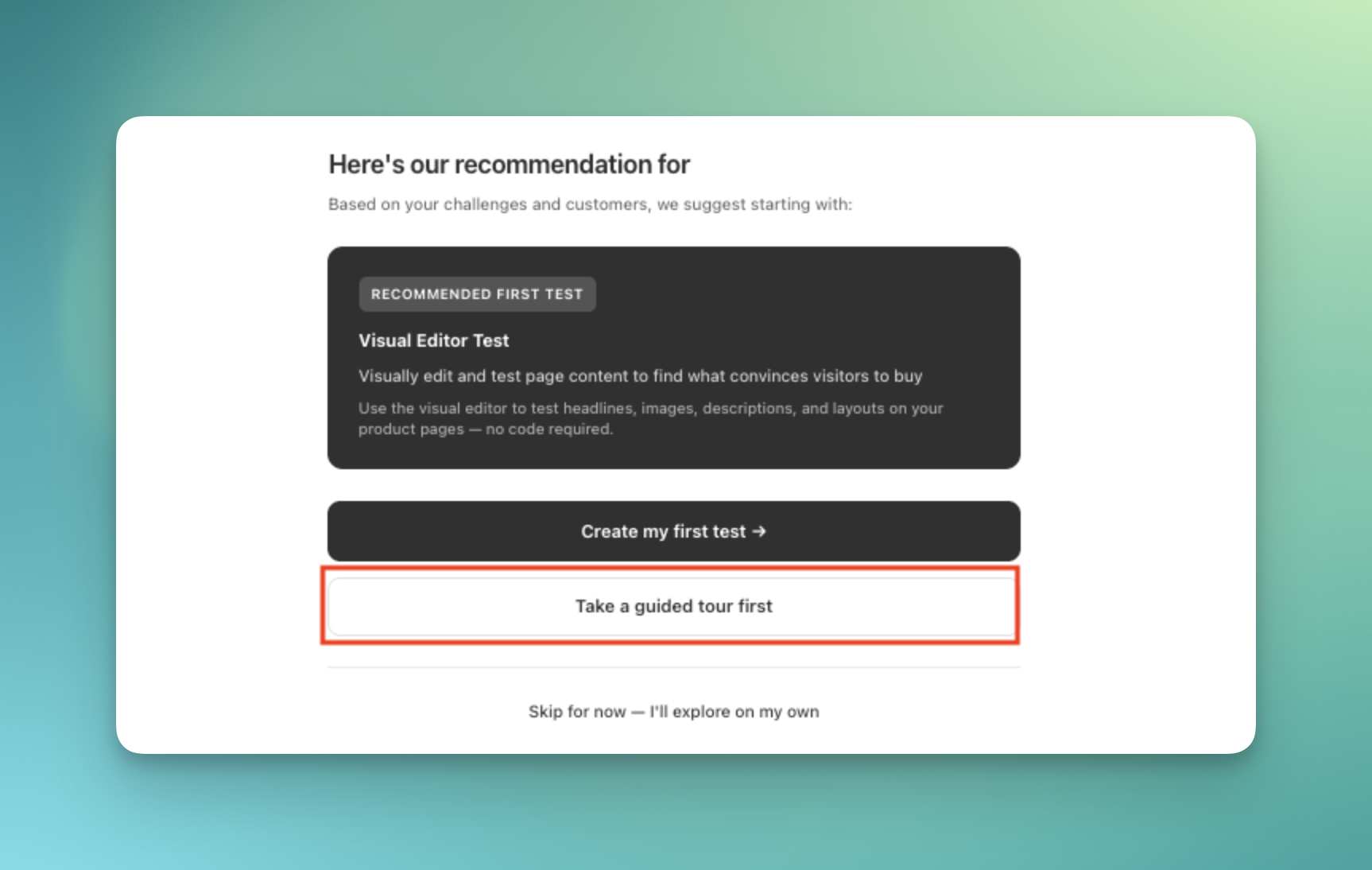
Based on your answers, ABConvert will suggest a test type and offer to walk you through creating your first test in guided mode, or let you explore the dashboard independently.
3
Choose your next step
After finishing the survey, you have three options:
Tutorial mode — Risk-free practice with mock data (recommended for first-timers)
Guided mode — Create a real test with step-by-step help
Explore independently — Dive in and create tests on your own
See the next section for details on tutorial and guided modes.
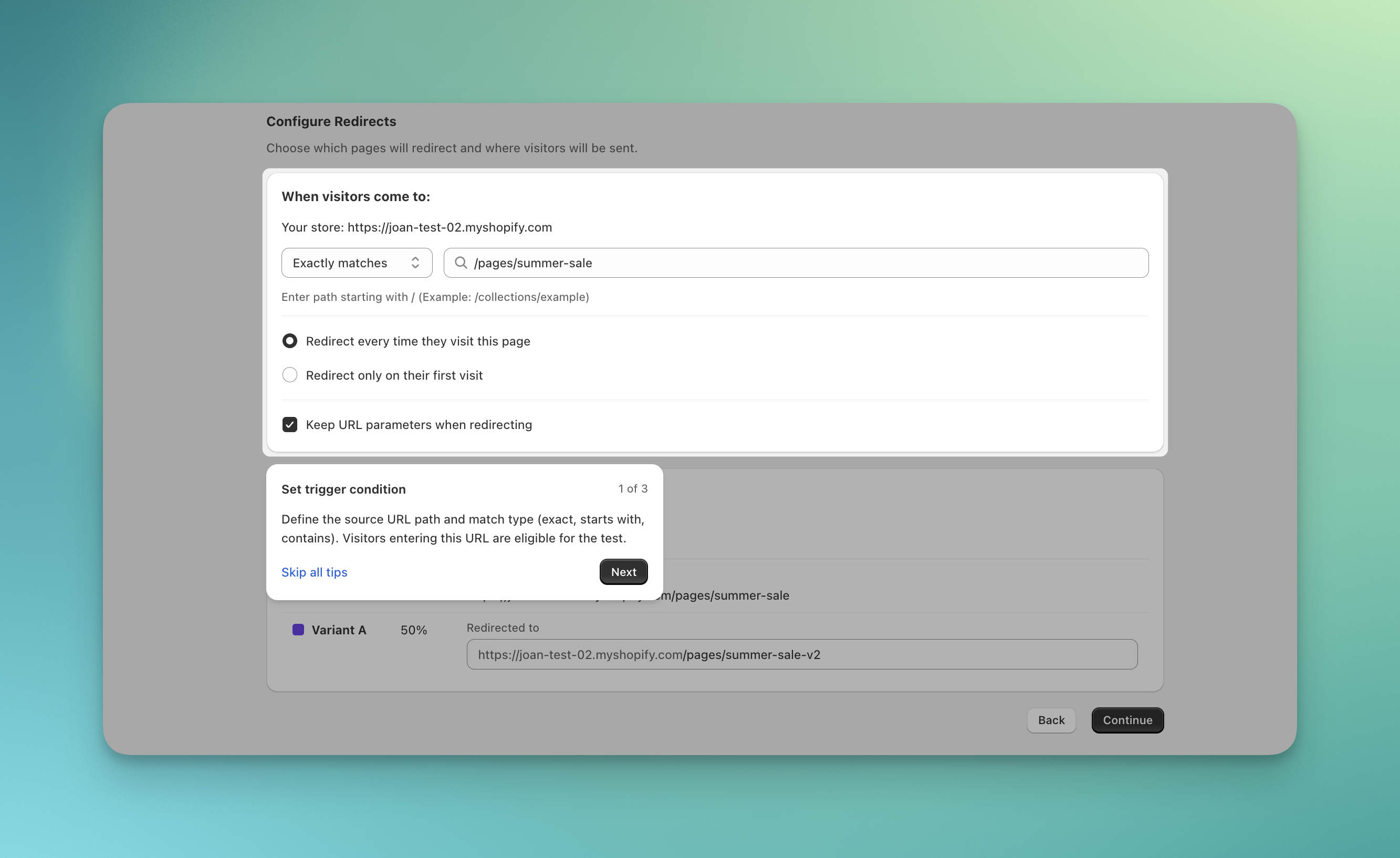
ABConvert offers two interactive learning modes to help you create your first test with confidence. Both provide step-by-step coaching with contextual tooltips explaining each field, but they differ in how your work is saved.
Tutorial and guided mode provide step-by-step coaching throughout test creation
This is a practice environment that uses pre-filled mock products and sample data. You experience the complete test creation workflow without affecting your actual store.Use when:
You’re new to A/B testing and want to explore without risk
You want to understand the workflow before committing real products
You’re evaluating ABConvert and want to see how test creation works
How to access tutorial mode:For new users after onboarding:
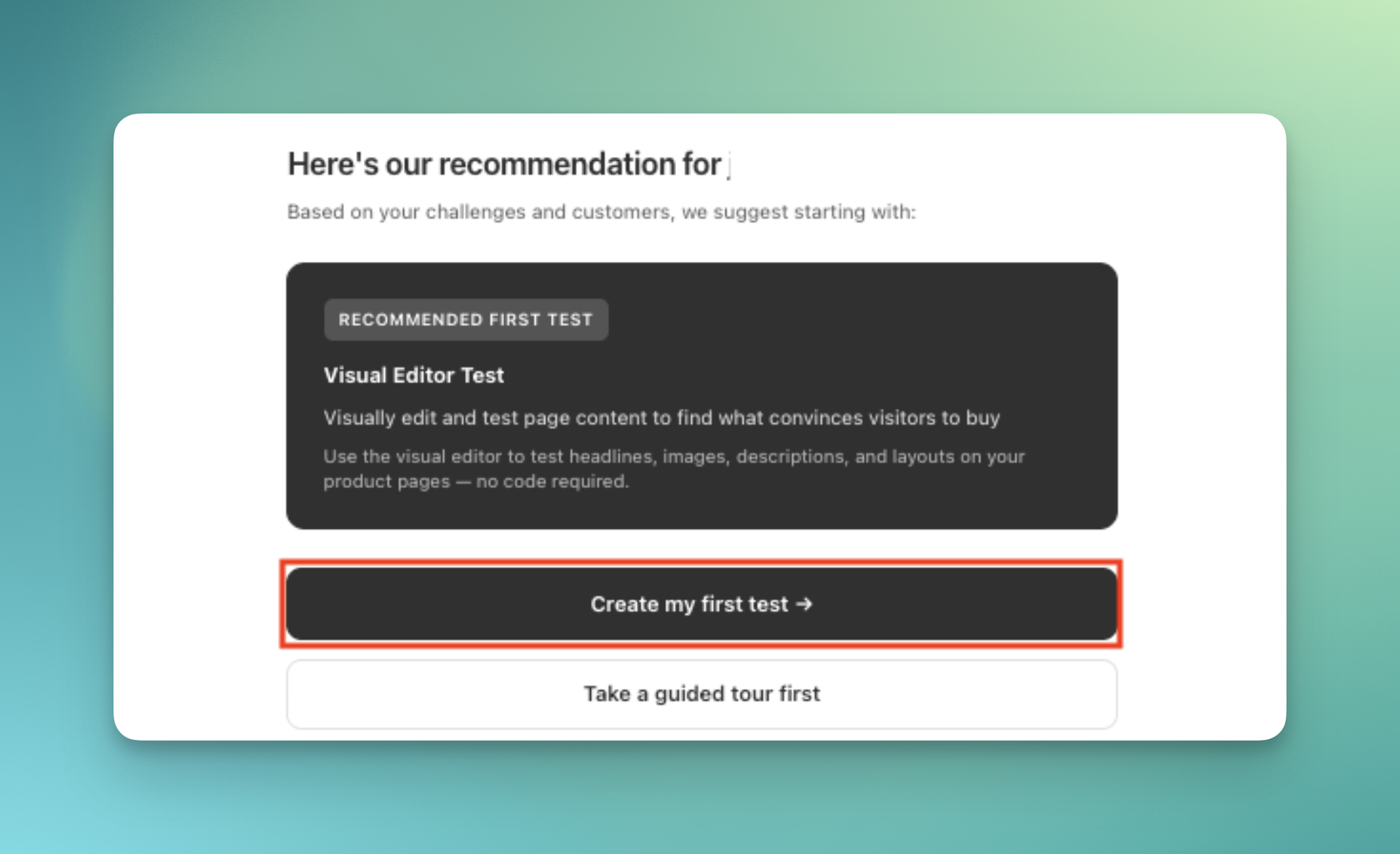
Choose “Take a guided tour first” when prompted
Select a test type to begin the tutorial
After onboarding survey, choose 'Take a guided tour first' to start tutorial mode
For all users anytime:
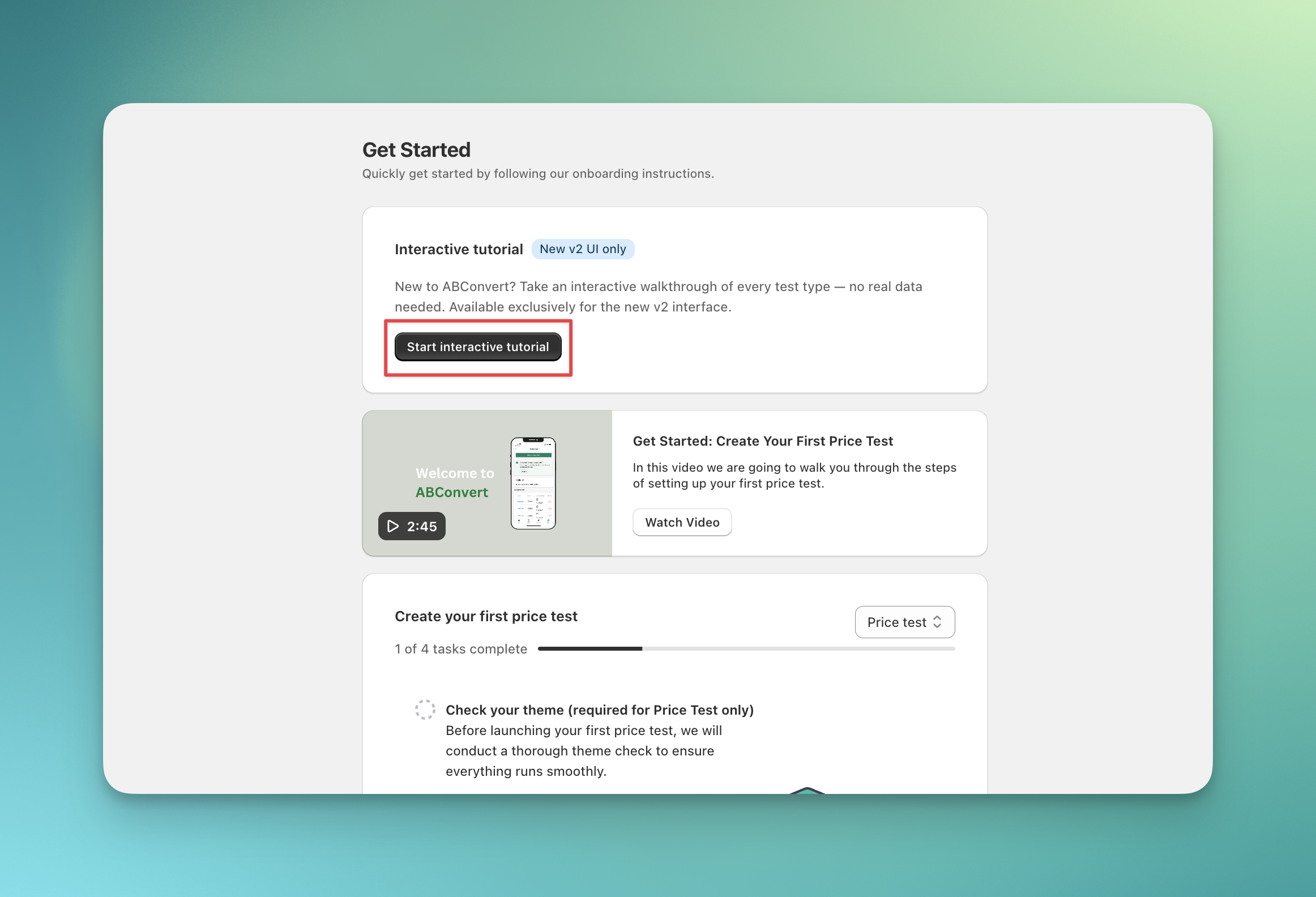
Navigate to ABConvert dashboard → Get Started tab
Click “Start interactive tutorial”
Select the test type you want to practice
Access tutorial mode anytime from the Get Started tab in ABConvert dashboard
This is step-by-step coaching while creating an actual test using your real store products and data. Everything you configure saves immediately and can be launched.Use when:
You’re ready to create a real test but want guidance through the process
You want contextual help explaining each configuration field
You’ve completed the tutorial and are ready to launch your first test
How to access guided mode:For new users after onboarding:
Choose “Create my first test” when prompted after the survey
Follow the guided flow to create your first test
After onboarding survey, choose 'Create my first test' to start guided mode with real products
For all users during test creation:
Start creating any new test
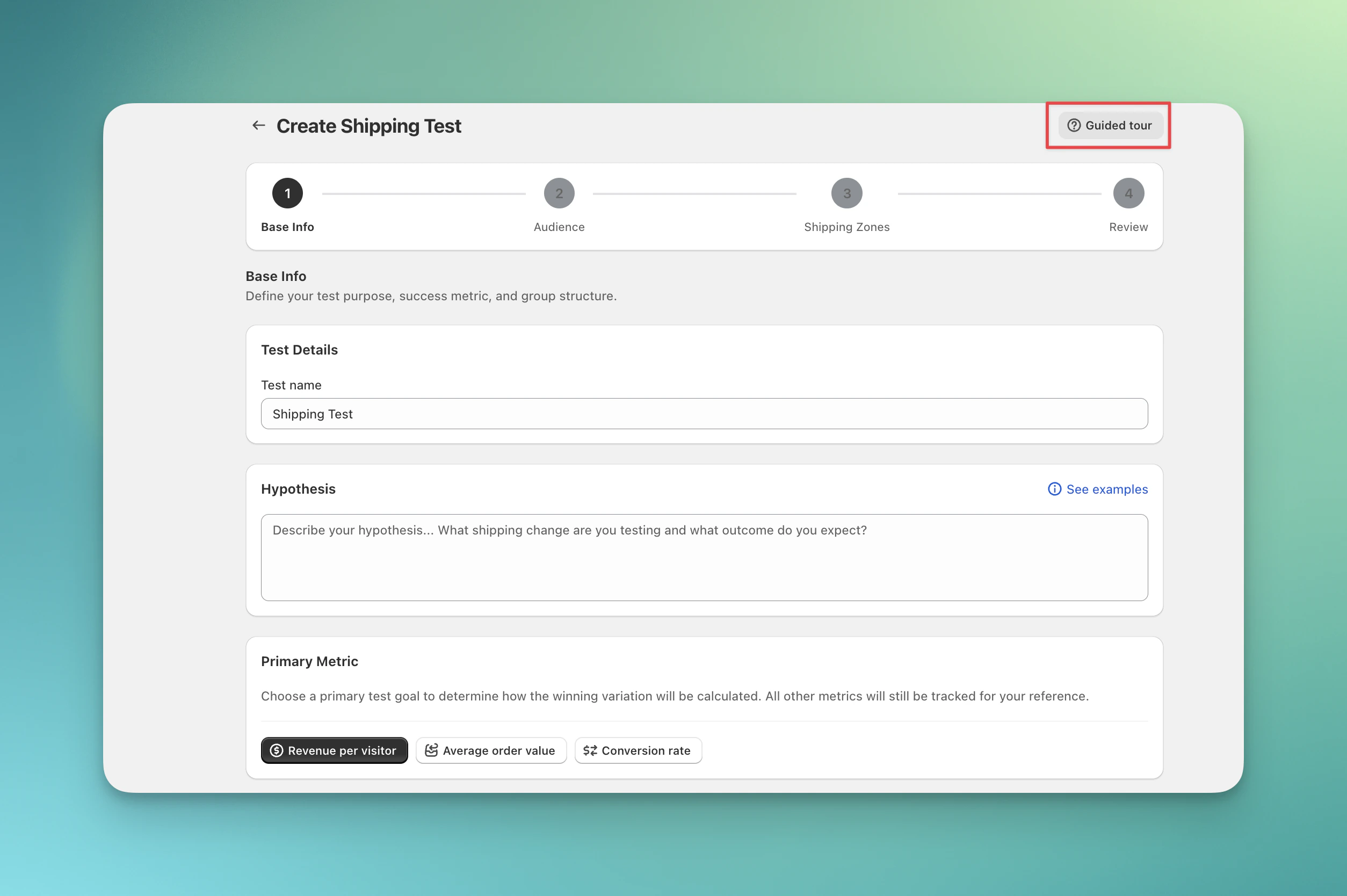
Click the “Guided tour” button in the test creation interface
Follow the step-by-step coaching through each configuration section
Click 'Guided tour' button during test creation to activate step-by-step coaching
⌘I
Assistant
Responses are generated using AI and may contain mistakes.