

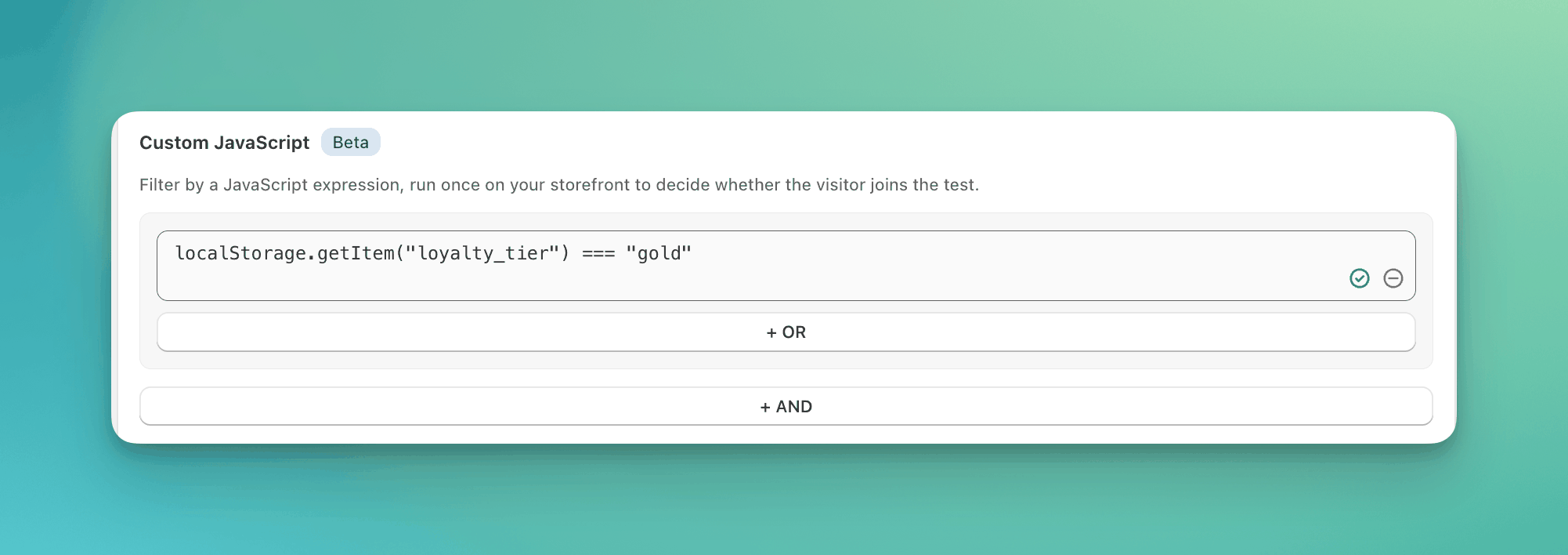
A condition that reads the loyalty tier your app stores in local storage.
When to use it
-
Visitors your loyalty or CDP app has tagged, when it stores the tier in local storage:
-
Visitors whose browser is set to French:
-
B2B customers, when your theme prints the company from a customer metafield:
When NOT to use it
- A built-in condition already reads the value. Country, device, traffic source, cookie, and URL parameter are built-in conditions in Audience Targeting. They need no code.
- The value loads after the page. The expression runs once, on load. A value a script sets later reads as missing.
What the expression must be
- One expression. No statements, no semicolons, no comments.
a && bis fine.var x = 1; xis not. - Reads only. The expression can only read values, never change them. Compare with
===, not=. - 500 characters or fewer.
- The result decides. Any result counts as true or false.
0,"",null, andundefinedare false. To match the opposite, wrap the expression:!(...). - The expression can read anything the page can read.
window,document,navigator,document.cookie,localStorage, and any global your theme or other apps set, such asdataLayer.
How it is evaluated
- ABConvert runs the expression once, at the moment it decides the visitor, on the first page where the test could run.
- If the result is true, the visitor matches this condition. If it is false, the visitor is excluded.
- It runs once per visitor and never again, unless the same test also uses a customer condition. A change in the customer’s details re-runs every condition, this expression included.
When the expression cannot answer
For a value that may be missing, use
?. so the expression returns false instead of erroring: window.shop?.tier === "gold".
Validation
ABConvert checks the expression before you can continue, and again at launch. If it is refused, the reason tells you what to change: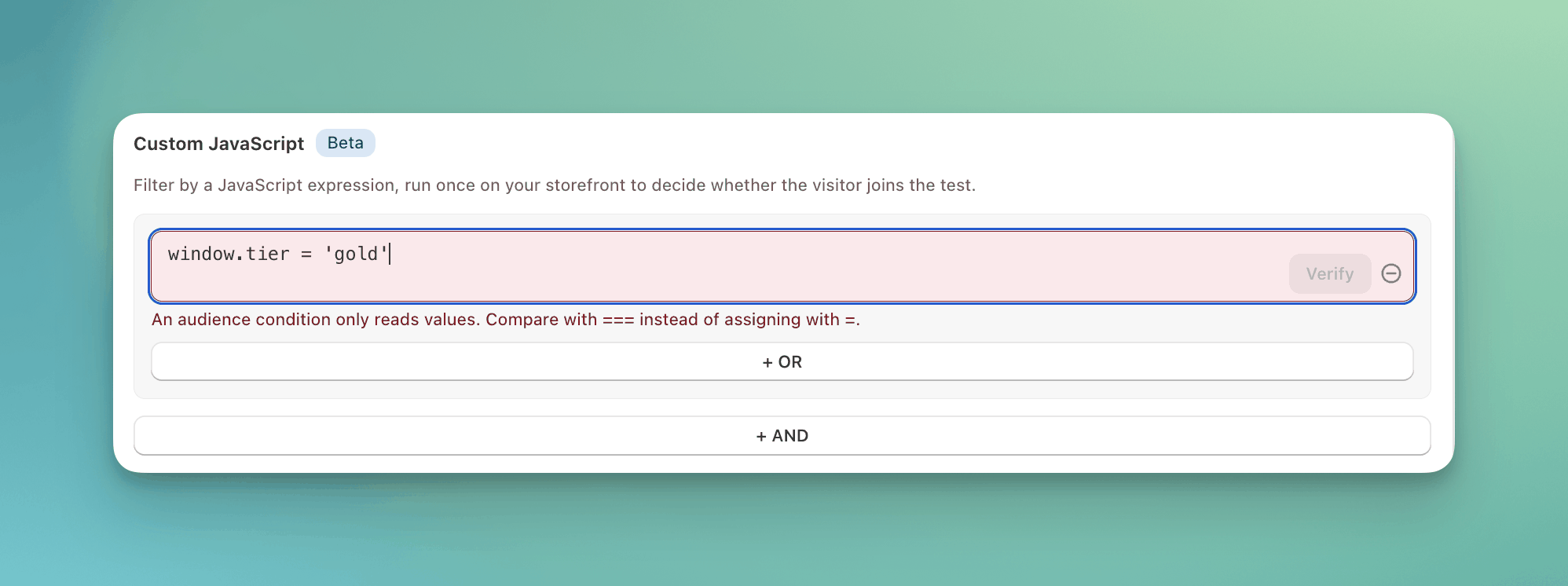
An expression that assigns a value is refused.
Examples
Common mistakes
- Writing
=instead of===.window.tier = "gold"assigns and is always true.window.tier === "gold"compares. - Reading a value that loads later. Analytics and personalization scripts often set globals after the page renders. Read a cookie or local storage value that is already there.
- Expecting the expression to re-run on later pages. It runs once per visitor. To limit a test to certain pages, use page targeting.
- Adding a second expression as a new row when you mean AND. Join the two with
&&in one expression.
FAQ
Can I use it to pick the test group?
Can I use it to pick the test group?
No. It only decides whether the visitor enters. To send matching visitors to one test group, use a targeting rule.