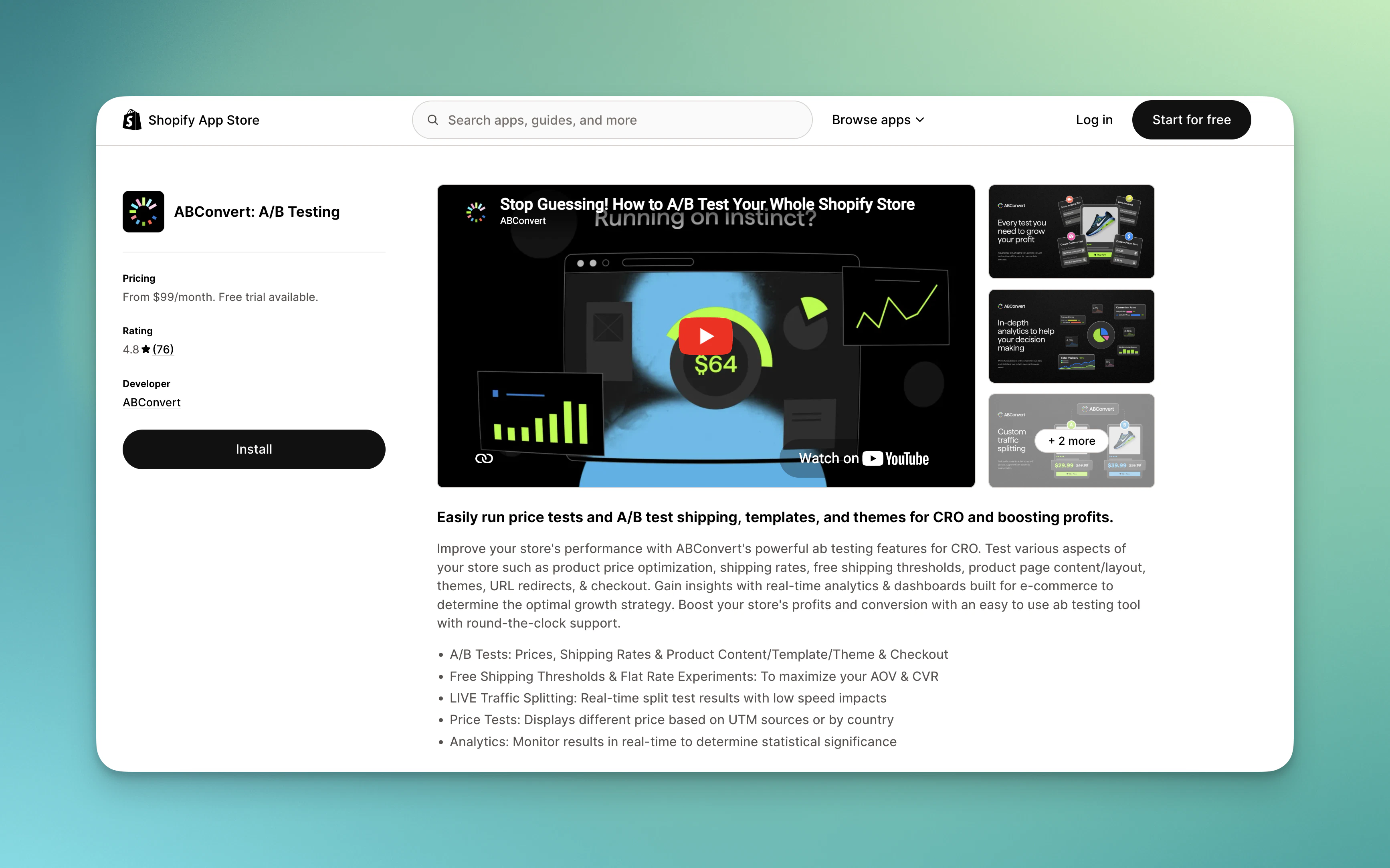
Add ABConvert to your store from the Shopify App Store, complete onboarding, and verify that tracking is active before you create your first test.
Installing ABConvert takes about five minutes. The app installs from the Shopify App Store like any other Shopify app — no code changes, no theme editing, and no developer required. Once installed, ABConvert automatically adds its tracking script and web pixel to your active theme.
Shopify will show you an authorization screen listing the permissions ABConvert needs. Review them and approve to continue. You’ll be taken directly into the ABConvert dashboard inside your Shopify admin.
ABConvert requires access to your products, orders, and theme files to run tests. See Terms of service for a full list of what the app accesses and why.
2
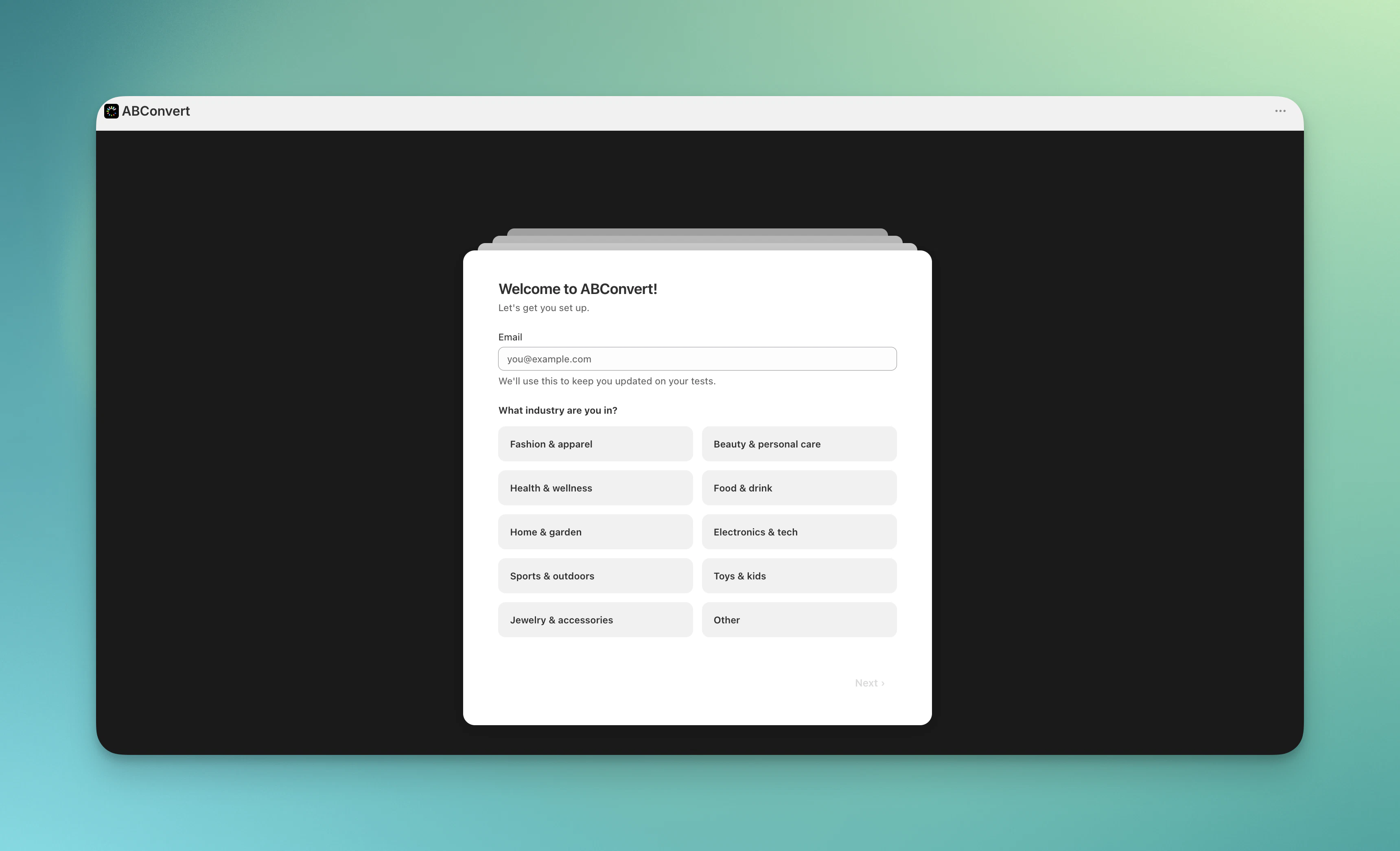
Complete the onboarding survey
After installation, ABConvert opens an onboarding survey. Answer a few questions about your store and your testing goals — this takes about two minutes and helps ABConvert recommend the right test type for your situation.
Complete onboarding survey
Based on your answers, ABConvert will suggest a test type and offer to walk you through creating your first test in guided mode, or let you explore the dashboard on your own.
3
Start exploring and testing
After completing the onboarding survey, you can choose to explore with our guided test mode, or start creating real tests right away!
When ABConvert is installed on your store, two core components are automatically set up:
Web Pixel — A Shopify customer events extension that captures high-accuracy conversion events (add-to-cart, checkout, order placement) and sends them to ABConvert’s analytics pipeline without blocking page performance.
Unified Script (App Embed) — A lightweight JavaScript runtime available in your theme’s app embeds. You need to activate this in your theme settings (one-time setup) for tests to run. See App Settings for activation instructions.
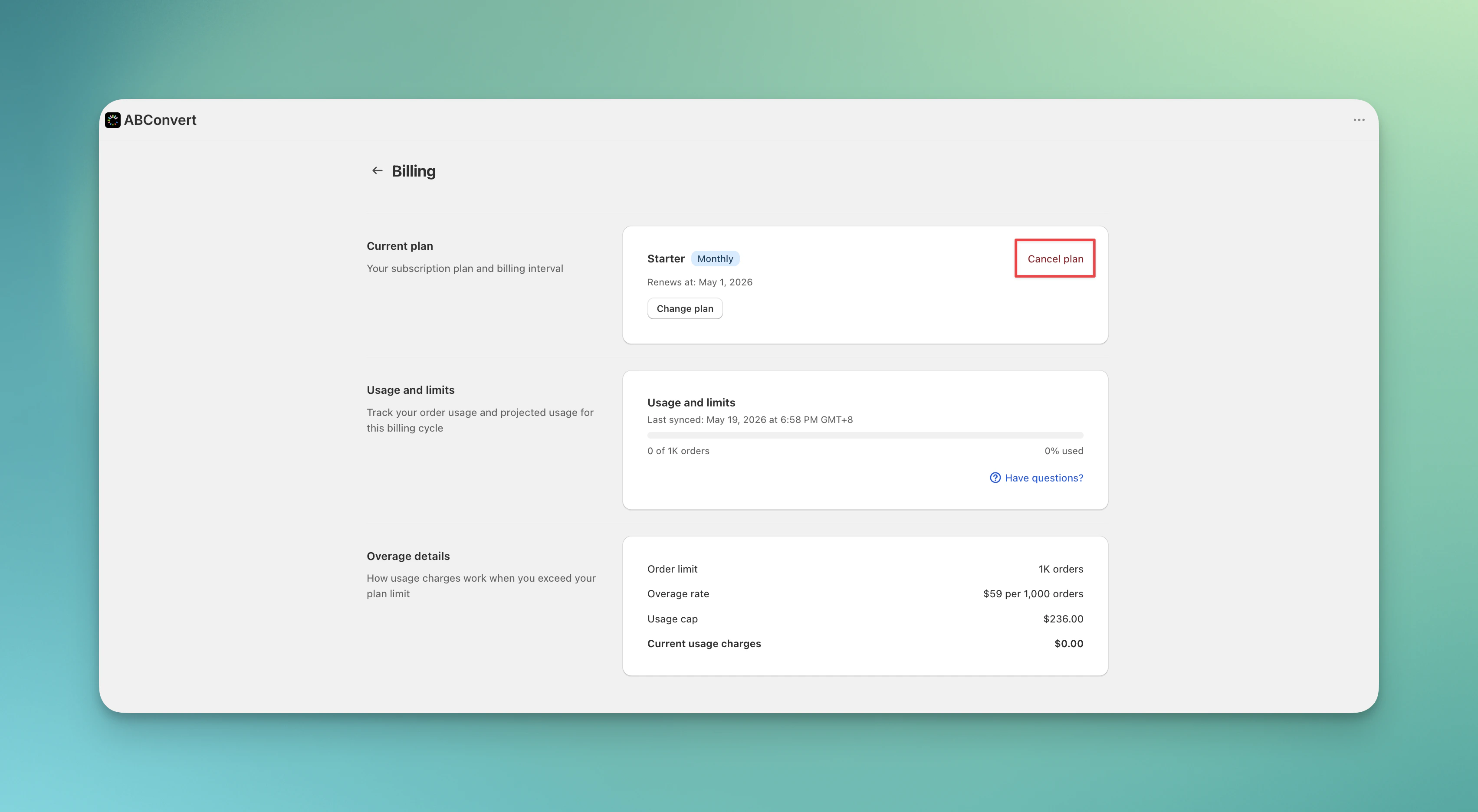
To cancel ABConvert subscription, go to ABConvert Billing tab, and click Cancel Plan. Shopify will cancel your app subscription, while you can still have full access until the end of your paid period.
ABConvert cancel plan
If you choose to uninstall ABConvert directly, ending all active tests before doing so is mandatory. Uninstalling will revoke ABConvert’s access to your store immediately, blocking us from ending active tests and cleaning up everything for you.